Job Movement Report
- There are various reports available from the Reports dropdown that are generated by the forecast.
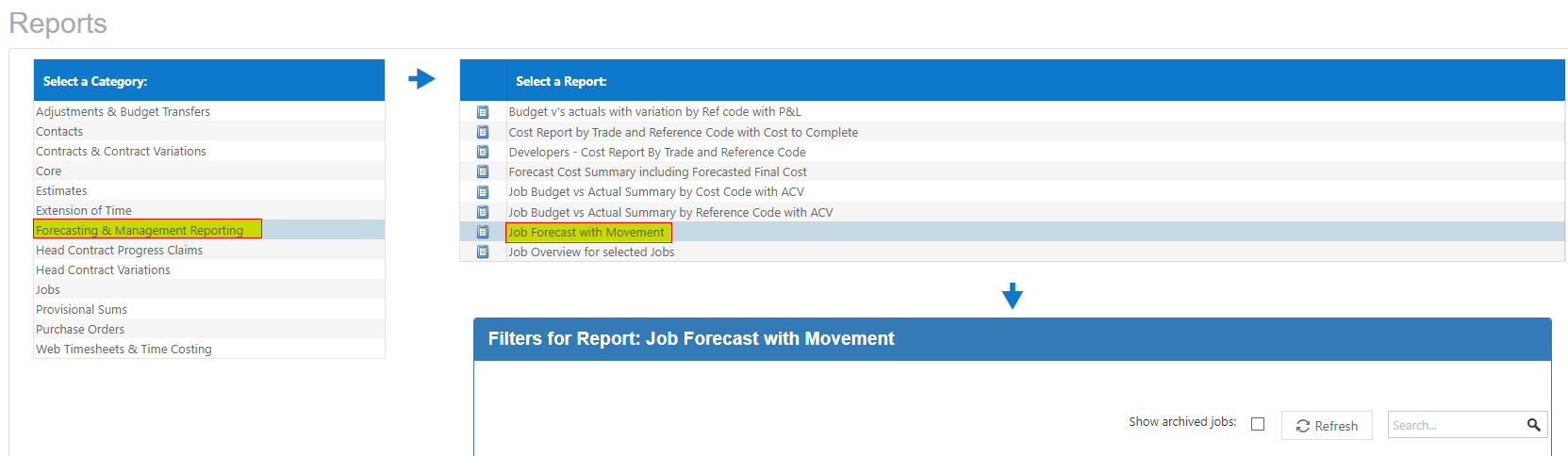
- One of them is called Job Forecast with Movement. This report will compare the movement from a selected date to a current date in the forecast. For this report to work, you need to have saved off your Forecast prior to the current Forecast you have run.
- Go into the Forecast and at the top left of the screen is a Save Forecast button. On selecting this button you will be presented with the following screen where you can put in a description.
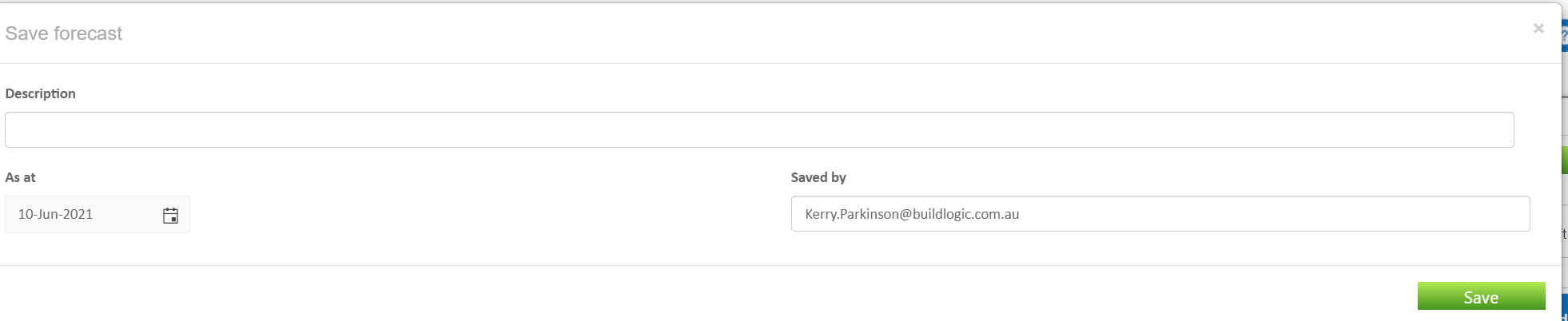
- Select the Save button. The Forecast, as a that moment, is saved.
- If you go back to Reports/Create Reports and highlight this report, you can select a date of a previous saved forecast and the report will compare the movement from that date to the current forecast.
Was this article helpful?
That’s Great!
Thank you for your feedback
Sorry! We couldn't be helpful
Thank you for your feedback
Feedback sent
We appreciate your effort and will try to fix the article