Timesheet List Current User Entry Screen
This screen is used when an individual user wants to enter their own times while logged into the Buildlogic website
Timesheet Controls
These controls are used to manage weekly timesheet entries.
- Timesheet Date Range – Select the week to view or edit timesheets
- Copy – Enables copying entries from a previous timesheet, check this box before hitting the pencil to copy the last timesheet details into the new timesheet.
Changing the date range refreshes the timesheet data automatically.

Weekly List View
From this view a user can enter a timesheet for any day by hitting the pencil icon on the left hand side of the listed date
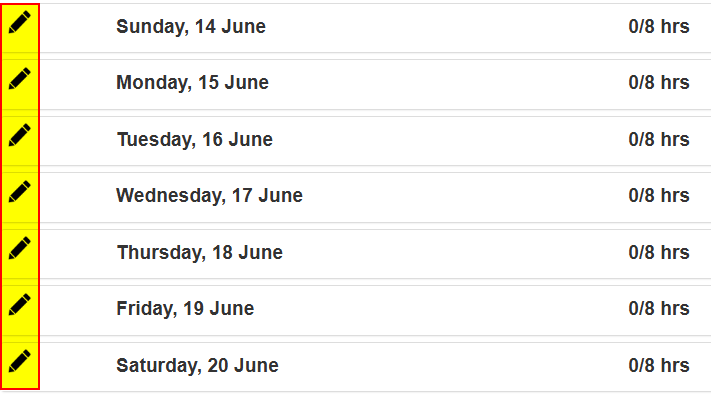
If a user has times entered they can hit the down arrow on the right hand side to get a preview of the days current entered times

Was this article helpful?
That’s Great!
Thank you for your feedback
Sorry! We couldn't be helpful
Thank you for your feedback
Feedback sent
We appreciate your effort and will try to fix the article